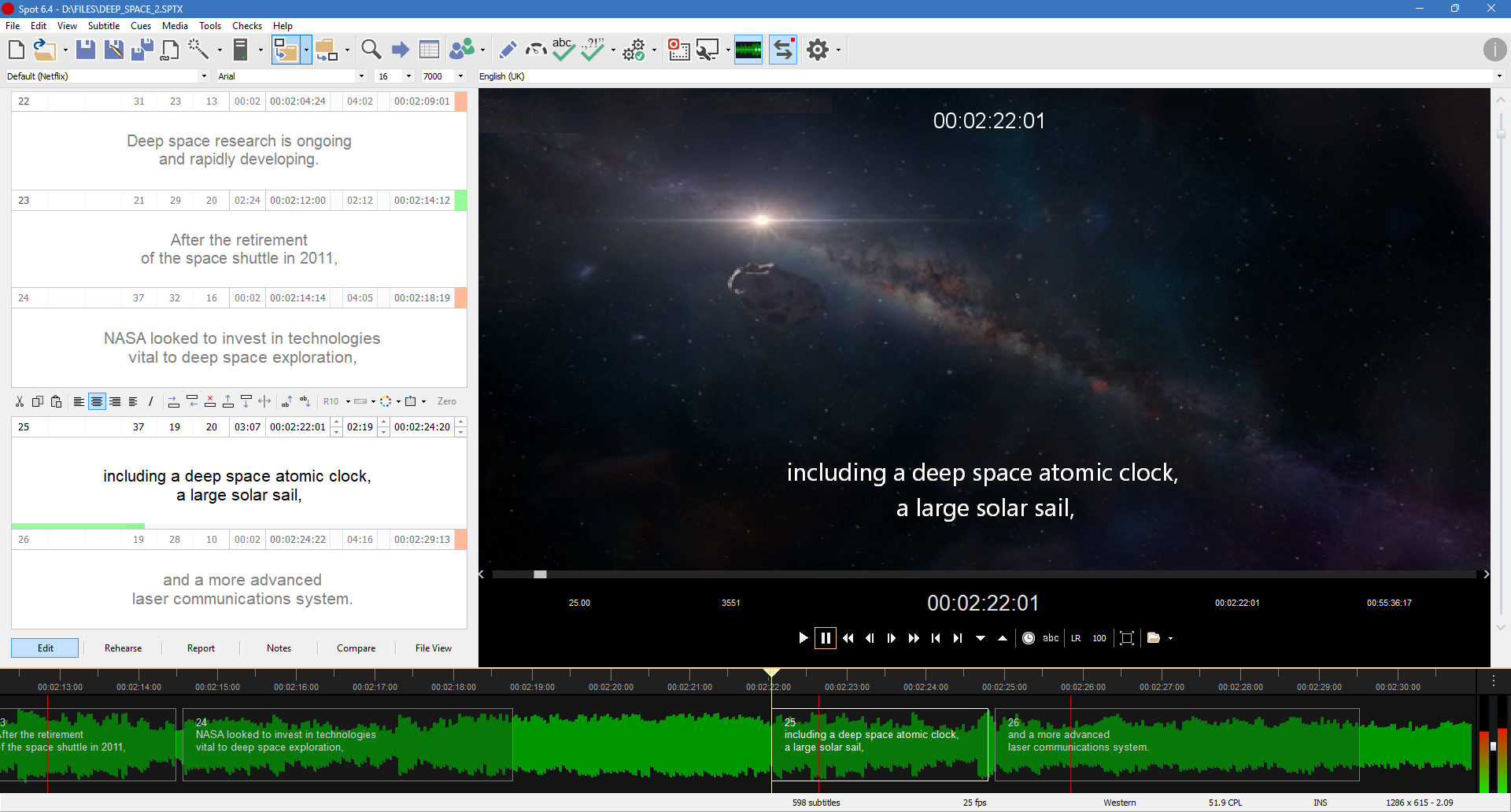
It's been a while coming, but Spot 7 is finally here. It may not look dramatically different, but don’t let that fool you. Under the hood, we’ve made dozens of changes, all aimed at helping you work more efficiently.
Here are some of our favourite new features and improvements.
Not everybody's cup of tea maybe, but few would disagree that it's a time-saver. Your selected video's audio track is uploaded to a secure plain X server for processing (and deleted once complete) and within minutes you get back a .sptx subtitle file that's been timed based on your timing rules (minimum interval, minimum duration, maximum characters per line, snap to shot cuts, etc.) and translated into your target language.
It's as simple and as powerful as that. Yes, you'll need to tweak parts of the translation and AI will introduce timing errors that need fixing, but you've just significantly reduced the amount of time needed to create a broadcast-ready subtitle file.
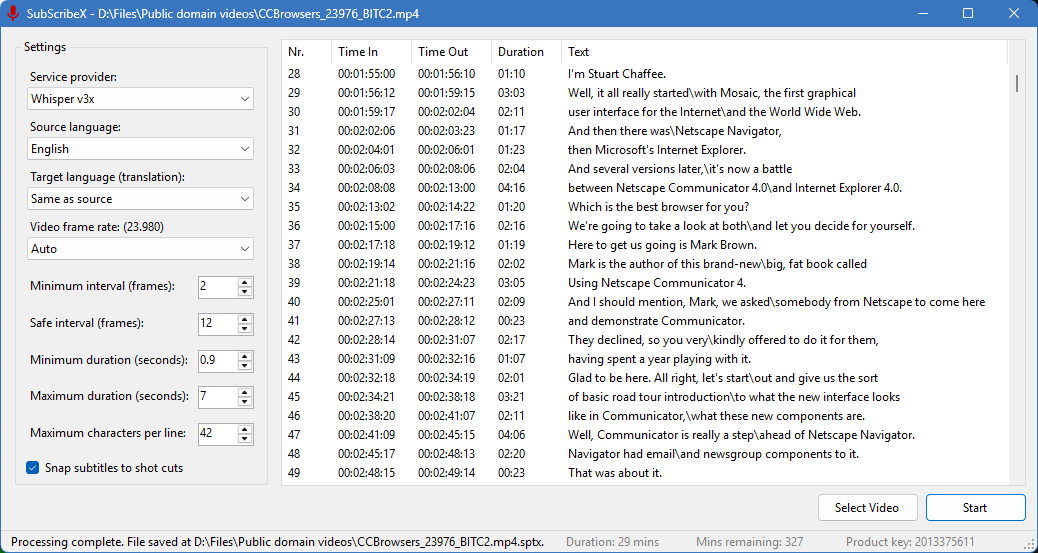
If you don't need a translation of the AI-generated transcription but instead want a timed English (or other language) template file to work from, we've included a unique template creator app that does just that. If you're more interested in audio description, it can create files that contain empty subtitles based on the gaps between dialogue.
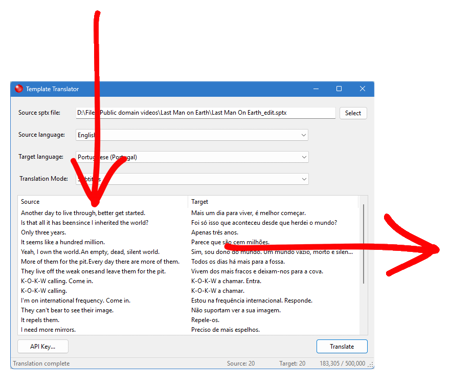
And if you receive timed template files to work from, Spot's template translator will create a copy of your file translated into the language of your choice with the original timing, comments and formatting retained. That's pretty cool. And you can translate 6,000 subtitles every month for free, which is even cooler.
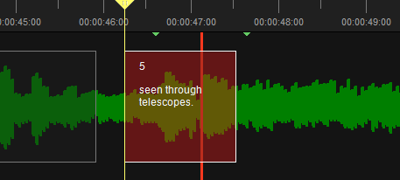
The timeline has been rebuilt from the ground up. It's now scrollable using the mouse or keyboard, and autoscrolls when you approach the end of the current section so the waveform section you need to time against is always in view. We've given the timeline subtitles a thorough makeover as well, adding options for background transparency, border size, colour and subtitle positioning.

Shot cut detection is faster and works with real-time shot cut proximity warnings. The video converter now includes portrait-to-landscape conversion, hardware acceleration for significantly faster H.264 and H.265 encoding, improved subtitle boxing and a live preview of how subtitles will look when encoded. The audio waveform has a non-linear display option, which helps remove noise and makes finding the start of audio easier.
We’ve trimmed a lot of empty space in the main window, making it easier to focus on your work. Compact view is now even more compact, so you can see more subtitles at once. The video window is larger with a new “fit to window” button and options to hide certain items, maximizing available space for video playback.